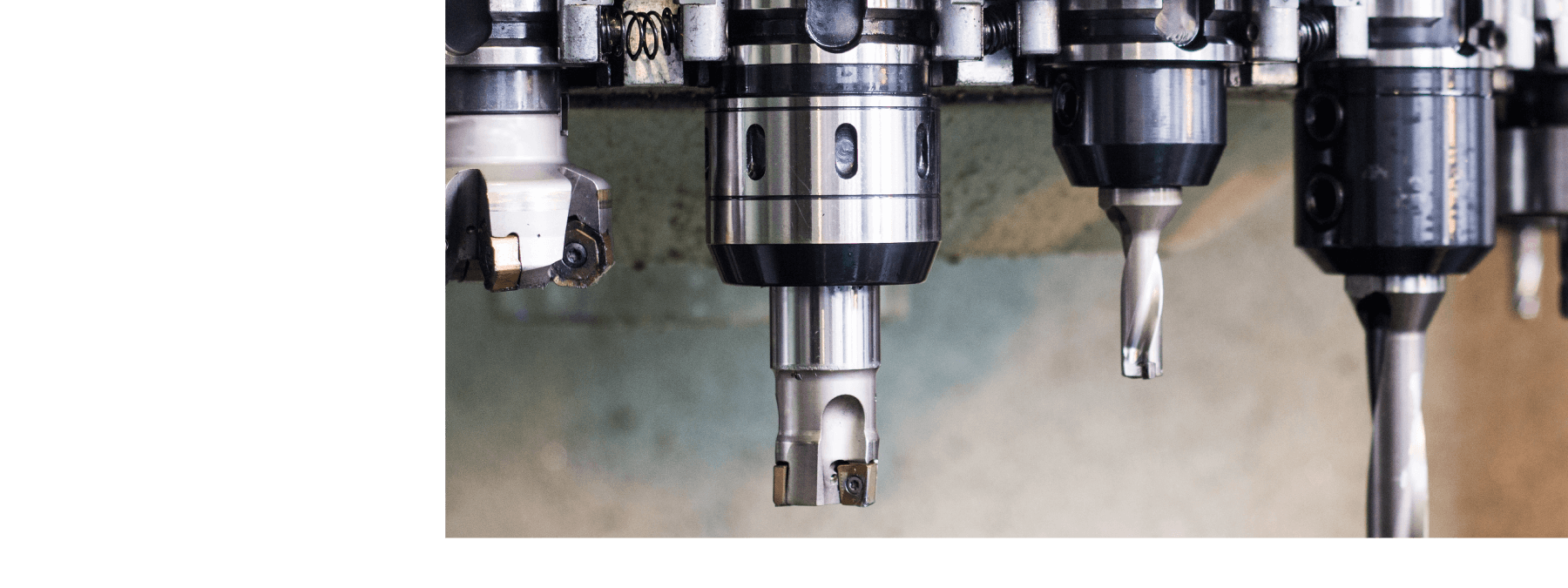
Create more powerful and reliable NC programs with Vericut Interface. Vericut Interface seamlessly connects with your existing CAD/CAM software, including Mastercam, Siemens NX, CATIA V5, GibbsCAM, PowerMill, and many more.



















Our Quick Start training sessions are designed to teach the fundamentals of running a Vericut simulation by utilizing one of several available Vericut CAM Interfaces. Each set of training files includes videos, documentation, sample files, and exercises for the user to follow along.








.png?width=698&height=465&name=Media%20(9).png)
.svg)
Continue working within your preferred CAD/CAM system without changing your existing workflow.
.svg)
Eliminate repetitive setup tasks by transferring project data directly into Vericut.
.svg)
Maintain consistent toolpaths, machining strategies, tolerances, and setups for highly accurate simulation.
.svg)
Export CAD models, NC programs, machine configurations, and setup information quickly while preserving complete project accuracy.
.svg)
Vericut interfaces are regularly updated to support the latest releases of leading CAD/CAM software.
Every CAM platform has its own workflow and unique capabilities. Vericut interfaces are specifically designed to provide a smooth transition from programming to simulation, regardless of the software you use.
Here’s how Vericut works with some of the most widely used CAD-CAM platforms.
.png?width=180&height=120&name=Partner%20Logo%20(7).png)

Import toolpaths and model data with precision through a dedicated GibbsCAM interface.
Validate both toolpaths and NC programs inside Vericut.
Ideal for aerospace, automotive, and precision manufacturing applications using advanced multi-axis machining.
.png?width=180&height=84&name=Partner%20Logo%20(1).png)
.png?width=180&height=84&name=Partner%20Logo%20(2).png)
.png?width=180&height=84&name=Partner%20Logo%20(4).png)

Digital Manufacturing Integration:
The Siemens Run My Virtual Machine (RMVM) interface combines virtual machine technology with Vericut’s advanced simulation to improve efficiency, reducing machining risks, and increase production confidence.
.png?width=180&height=84&name=Image%20Card%20(1).png)

See how Vericut CNC simulation software can help your business forgo its CNC machining frustrations.
Address:
Vericut Southeast Asia & Oceania (SEAO)
50 Alps Avenue,
#04-00,
Singapore 498782
Phone:
+65 8800 8945
Email:
info.seao@cgtech.com


 Deutsch – Deutschland
 English - United Kingdom
 English - India
 English - United States
 Español
 Français - France
 Italiano - Italia
 日本語 - 日本
 한국어 - 대한민국
 Português - Brasil
 Svenska – Sverige
 简体中文
简体中文
























.svg)